





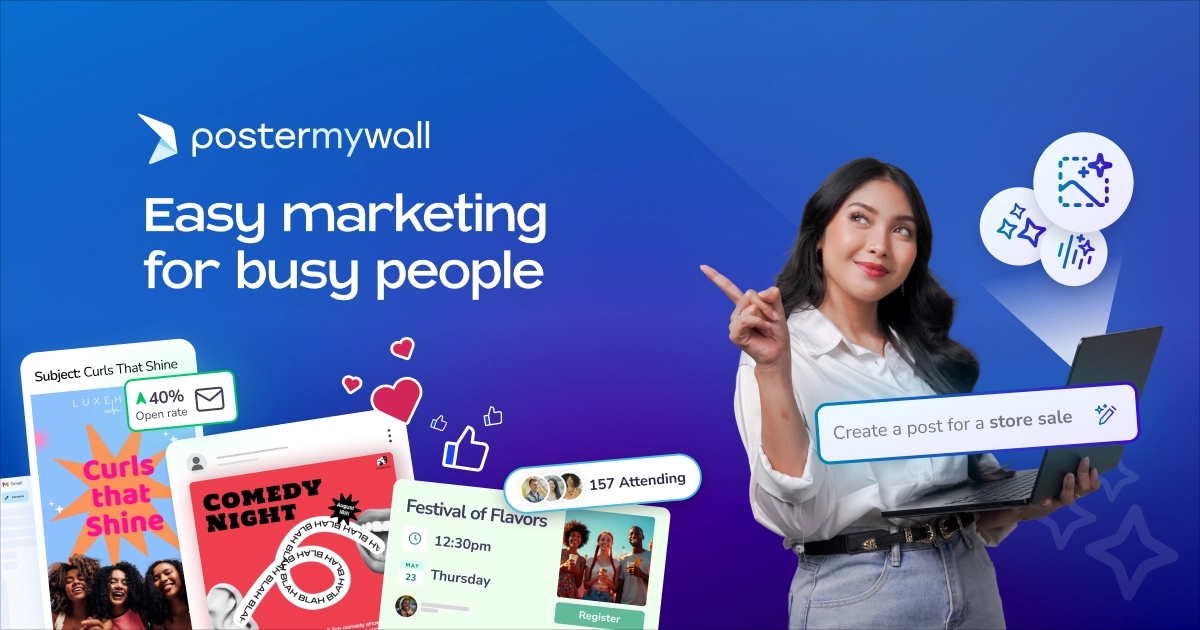

Creating consistent, high-quality content for social media is a demanding task. Between brainstorming ideas, designing graphics, and optimizing for half a dozen different platforms, social media managers and small business owners often find themselves stretched thin. The pressure to feed the content beast is relentless, and falling behind can mean losing relevance with your audience.
Fortunately, PosterMyWall has integrated a suite of powerful, AI-driven tools directly into its design platform, allowing creators to produce professional assets in a fraction of the time.
Here are five productivity tools offered by PosterMyWall that will streamline your creative process and make social media posting effortless.
AI Background Remover
Nothing screams amateur faster than a cluttered or poorly lit background in a product shot or headshot. Historically, fixing this required patience, a steady hand with the lasso tool, and expensive software like Photoshop. It was a barrier that kept many small businesses from having clean, professional-looking product imagery.
PosterMyWall’s AI Background Remover solves this efficiently. It instantly detects the main subject of your photo, whether it’s a person, a plate of food, or a retail product. Then, it strips away the background, leaving you with a clean, transparent subject. This instantly boosts your productivity by turning a quick smartphone photo into a sleek, e-commerce-ready graphic in seconds. It offers immense versatility. Once the background is removed, you can easily layer the subject over brand colors or new environments without worrying about jagged edges. Furthermore, it doesn’t just work on stills. You can also remove backgrounds from videos, allowing for dynamic green-screen-style effects without needing an actual green screen.
Free Resizer
Perhaps the most time-consuming aspect of modern social media is the requirement for different aspect ratios. A design that looks perfect as an Instagram Square (1:1) will be cropped awkwardly as a TikTok Story (9:16) or look too small on a Facebook Event cover. Manually redesigning a post five different times is a massive drain on resources.
The Free Resizer tool is arguably the biggest time-saver on this list. It allows you to take a single master design and instantly generate varying sizes for every platform you use. The productivity boost here is massive, allowing you to create once and post everywhere. You can turn one master flyer into an Instagram post, a web banner, and an email header in under a minute. While you may occasionally need to make minor tweaks to element placement after resizing, the tool does ninety percent of the heavy lifting for you instantly, ensuring your branding remains consistent across every channel.
AI Subtitles
Video content is king on social media, but a massive percentage of users scroll through their feeds with the sound off. If your video doesn’t have captions, you are likely losing more than half of your potential audience immediately.
Manually transcribing video and syncing text on-screen is incredibly tedious. PosterMyWall’s AI Subtitles feature automates this entire process. It listens to the audio in your video, generates accurate text captions, and syncs them to the timeline automatically. By automating this process, you instantly make your videos accessible to hearing-impaired users and the vast majority of sound-off scrollers, drastically increasing watch time and engagement. It also opens up global reach potential, as the tool can help in translating and creating subtitles for different languages, expanding your audience without needing a dedicated translator.
AI Image Generator
We have all experienced stock photo fatigue; scrolling for hours looking for a specific image, only to find generic, overused visuals that don’t quite match your brand’s voice. Relying on the same free stock libraries as your competitors can make your brand feel derivative rather than innovative.
The AI Image Generator within PosterMyWall allows you to bypass this search entirely. By simply typing a detailed text prompt describing exactly what you need, the AI generates unique, copyright-free images tailored to your specifications. You can even specify the art style, from hyper-realistic photos to specific illustration styles like ‘vintage comic’ or ‘watercolor’. This tool effectively ends creative blocks; when you can’t find the right visual, you can create it instantly from scratch. It ensures your content remains unique, keeping your visuals entirely one-of-a-kind and tailored precisely to your current campaign.
AI Voice (Text-to-Speech)
Adding narration to video content usually requires a decent microphone, a quiet room without echo, and multiple takes to get the delivery right. For many creators, this is a major barrier to creating engaging video ads, faceless content, or quick tutorials.
The AI Voice tool lets you type out your script and have it read back to you in a variety of natural-sounding human voices. You can select different tones, accents, and genders to fit the mood of your content. This feature removes the need for expensive audio equipment, letting you produce high-quality voiceovers right from your laptop. It also allows for rapid iteration. If you realize you made a typo in your script or want to change the phrasing, you don’t have to re-record the whole take; just edit the text and regenerate the audio instantly.
PosterMyWall has brilliantly democratized professional design, putting high-end agency tools into an accessible, user-friendly interface. It is an indispensable asset for anyone looking to maximize their digital impact while minimizing wasted time.

